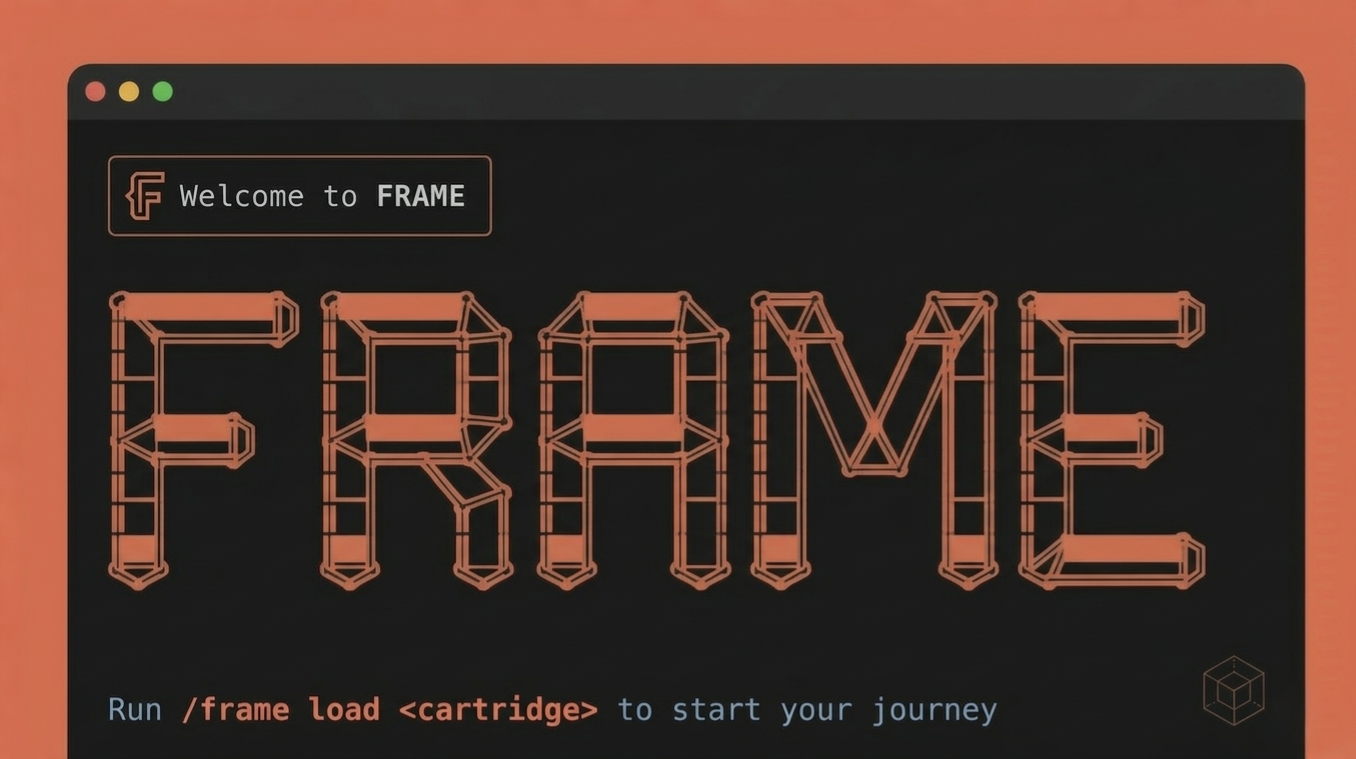
FRAME terminal interface — stylised FRAME logo in orange pipe-connector letterforms on a dark background, with the prompt: Run /frame load <cartridge> to start your journey

A prompt-native workflow engine
for Claude Code.

Structured sessions. Swappable cartridges. No tooling overhead.

v0.3.0 — MIT License
01 Phases

Defined stages of work: shape the problem, break it down, design the solution, build, review. Each phase has a specific job and a specific role doing it.

SHAPE → BREAKDOWN → DESIGN → BUILD → CHECK
02 Roles

Claude adopts the right role at each phase — Requirements Engineer, Architect, Developer, Code Reviewer. Role-switching is functional, not theatrical.

Requirements Engineer · Architect · Developer · Reviewer
03 Gates

Explicit checkpoints between every phase. Three responses: y to advance, adjust to stay, pause to stop safely. Nothing advances without your confirmation.

→ Advance to DESIGN? (y / adjust / pause)
04 Cartridges

Domain-specific phase sequences and role rosters, swappable without touching the engine. Software development, blog writing, code audits — each gets the right workflow.

/frame load sw-development

FRAME is the platform. Cartridges are the product.
Load any cartridge to start a structured session for that domain.

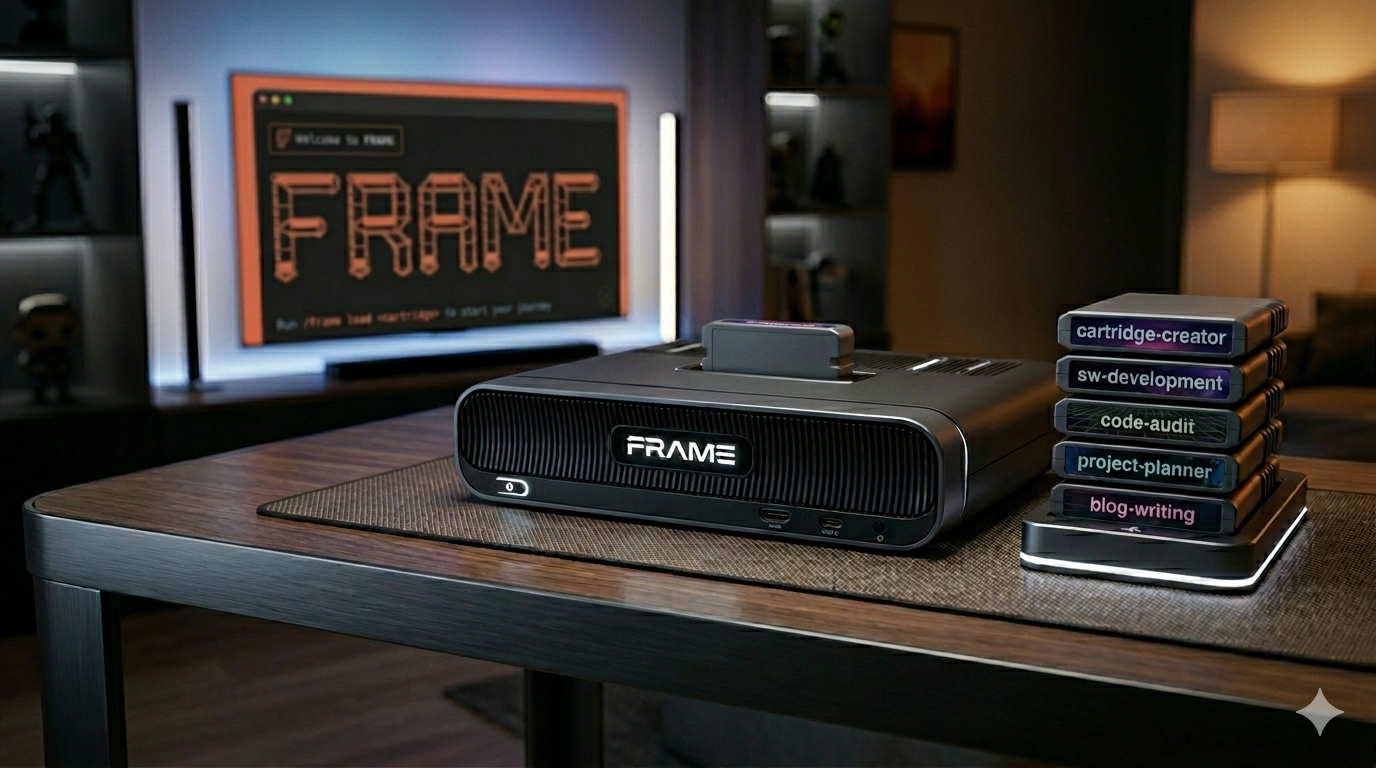
FRAME hardware concept — a dark console device on a desk with stacked cartridge modules beside it labelled sw-development, project-planner, and blog-writing
core
sw-development
Software development

APIs, services, features, full-stack

IN Task or requirement
OUT Working code, test suite
/frame load sw-development
sw-development-tdd
Software development — TDD

Canon TDD — red → green → refactor until the test list is empty

IN Task or requirement
OUT Working code, passing test suite
/frame load sw-development-tdd
sw-development-cd
UI / frontend — Claude Design

Claude Design prototype → reviewed → production implementation

IN UI brief or requirement
OUT Working production code
/frame load sw-development-cd
blog-writing
Blog posts & articles

Essays, tutorials, long-form content

IN Topic or brief
OUT Publishable draft
/frame load blog-writing
code-audit
Quality + security audit

Architecture review, vulnerability scan, or both

IN Existing codebase
OUT audit-report.md
/frame load code-audit
codebase-analysis
Structural analysis

Understand what a codebase does and how

IN Existing codebase
OUT Report set + ADVICE.md
/frame load codebase-analysis
project-planner
Project planning

Backlog generation and milestone structuring

IN Project idea
OUT BACKLOG.md
/frame load project-planner
findings-to-tasks
Findings → tracked tasks

Turn audit or analysis output into tickets

IN audit-report.md / ADVICE.md
OUT Tasks in Jira, Linear, etc.
/frame load findings-to-tasks
linkedin-profile
LinkedIn profile

Profile authorship from a CV

IN CV document
OUT Publish-ready sections
/frame load linkedin-profile
document-and-commit
Document & commit

Document changes made outside of FRAME

IN Committed or staged changes
OUT Commit message + changelog
/frame load document-and-commit
skill-creation
Claude Code skill

Design and author a new Claude Code skill

IN Skill idea / domain brief
OUT Ready-to-install skill file
/frame load skill-creation
deploy
Software deployment

Deploy, verify the result, roll back on failure

IN Artefact, target environment, verification criteria
OUT Deployment log, verification report, incident summary
/frame load deploy
system
cartridge-creator
FRAME cartridge

Design and author a new FRAME cartridge

IN Domain brief
OUT New cartridge
/frame load cartridge-creator
01

Install

Clone the repo and run the installer. It copies the engine and cartridge library to your home directory. Prompts before overwriting — safe to re-run.

bash
$ git clone https://github.com/SeriousByDesign/frame.git
$ cd frame
$ bash install.sh
Installing FRAME engine → ~/.claude/commands/frame.md ✓
Installing cartridges → ~/.frame/cartridges/ ✓
Done. Open a project in Claude Code to begin.
02

Load a cartridge

Open a Claude Code session in your project directory. Pick a cartridge that matches your task. FRAME reads your project and adopts the first phase role immediately.

claude code
/frame load sw-development
FRAME ▸ Cartridge loaded: sw-development v1.0
Phases: SHAPE → BREAKDOWN → DESIGN → BUILD → CHECK
Commits: enabled
Starting Phase 1 · SHAPE
03

Answer SHAPE questions

The Requirements Engineer role opens with focused questions about goal, stack, constraints, and acceptance criteria — one at a time. Confirm the gate to advance to the next phase.

claude code — phase 1 · shape
FRAME ▸ Phase 1 · SHAPE
Role: Requirements Engineer
What are we building? Give me a one-line
description — specific enough to act on.
A REST API with JWT authentication
Goal locked. Greenfield or existing codebase?
At the end of each phase, FRAME presents a summary and asks:
→ Advance to BREAKDOWN? (y / adjust / pause)
Cartridges chain together. Each workflow is a sequence of
/frame load <cartridge> runs — output of one feeds the next.

New project kickoff

From idea to a structured, prioritised backlog ready for implementation.

/project-planner
→ BACKLOG.md
/findings-to-tasks optional
→ Jira / Linear tasks
/sw-development ×n
→ Working code

Pre-release audit

Run a quality and security audit before a release and turn every finding into a tracked task.

/code-audit
→ audit-report.md
/findings-to-tasks
→ Tracked tasks
/sw-development ×n
→ Fixes implemented

Codebase health → backlog

Structural analysis of an existing codebase, turned into actionable work items.

/codebase-analysis
→ ADVICE.md
/findings-to-tasks
→ Tracked tasks
/sw-development ×n
→ Improvements shipped

Content creation

Write a blog post, article, or essay from idea to publishable draft.

/blog-writing
→ Publishable draft